RIGTRACE.Choose your service
Black gaming PC with subtle green lighting
REMOTE GAMING PC SERVICES

GET THE
PERFORMANCE
YOU PAID FOR.

A full PC tune or help with one specific problem. Get your setup checked, configured and explained by someone who understands gaming PCs.

Explore services
Windows PCsRemote sessionsYou stay in control
✓ Clear scope before you book✓ One-off service✓ Changes explained✓ Your hardware. Your priorities.
CHOOSE YOUR SERVICE

The right tune for your setup.

Pick a full optimisation or focus on the part that needs attention.

FULL SETUP REVIEW

Full PC optimisation

Bring Windows, drivers and your main game together in one focused remote session.

✓ Windows & background activity✓ Drivers & gaming settings✓ Performance checks✓ Summary of changes
£69 / session
90 minutes · remote
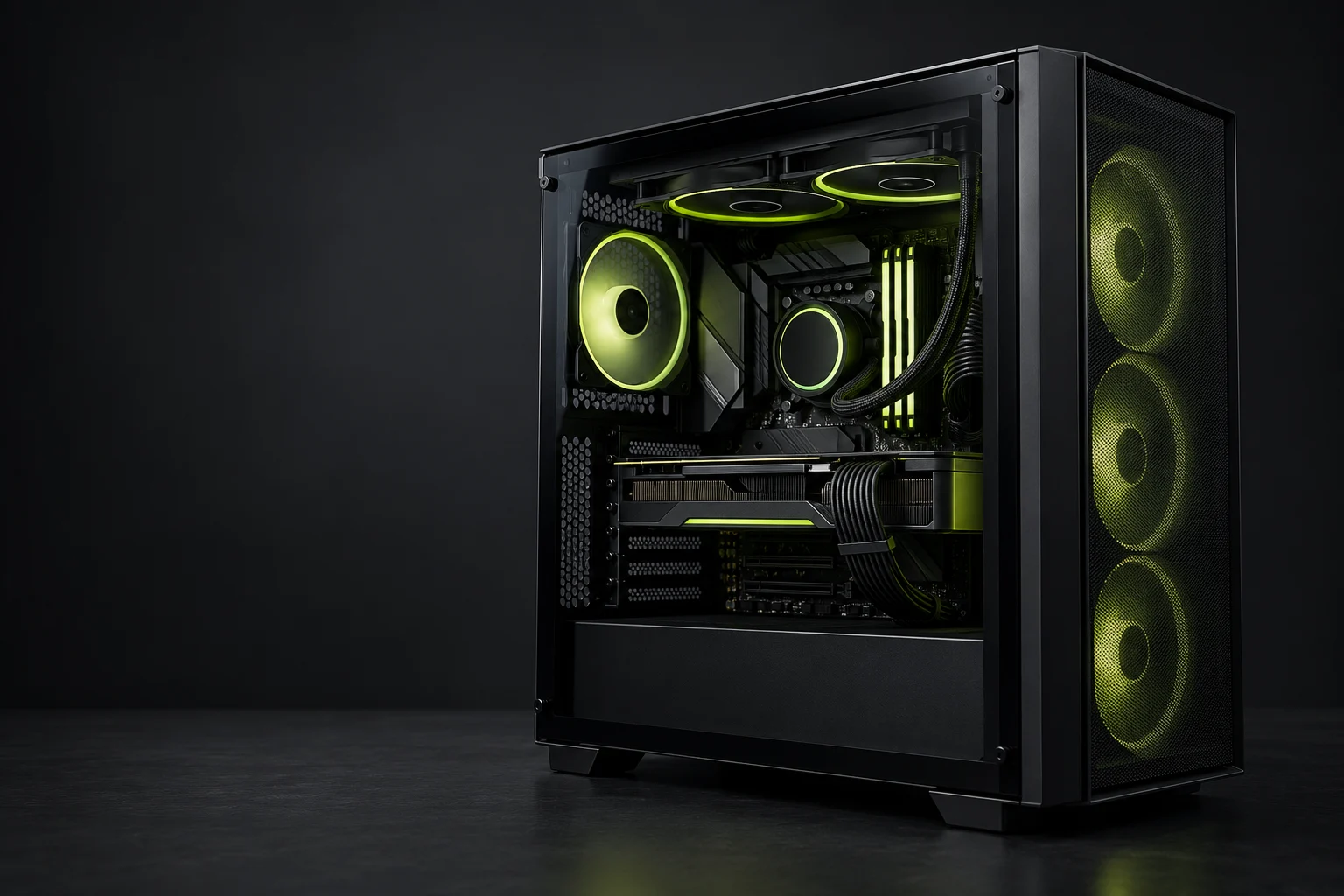
Gaming PC hardwareTUNED AROUND YOUR HARDWARE.
Not sure what your PC needs?Tell us what’s happening before choosing a service.
FROM BOOKING TO BETTER SETTINGS

Simple from start to finish.

01

Choose & book

Check what’s included, pick an available time and pay securely on the booking page.

02

Connect remotely

Be at your PC for the session. You approve access and stay present while we work.

03

Know what changed

We explain the work, check the relevant results and give you a summary to keep.

A PRACTICAL APPROACH

Your setup.
Your priorities.

A gaming PC is a combination of hardware, settings and the games you actually play. The work starts with your setup and the problem you want to solve.

01

Understand before changing

Review your hardware, current configuration and symptoms first.

02

Keep you involved

Discuss changes with you and keep the session visible.

03

Check what matters

Assess the relevant game, settings or issue after the work.

BEFORE YOU BOOK

A few good questions.

Still unsure? Ask about your setup before paying for a session.

Email RigTrace
Do I need to be at my PC?

Yes. Remote sessions are attended. You approve the connection, remain present and can see the work being carried out. Never post passwords or remote access codes in public channels.

Will you guarantee more FPS or lower ping?

No fixed improvement is promised. Results depend on your hardware and starting configuration. Network work cannot change physical distance to a server or guarantee an improvement to your ISP’s routing.

Which games can you configure?

Game-specific work depends on the title and your hardware. Tell us your game before booking so we can confirm that the service is suitable.

What does an issue diagnosis cover?

The session investigates your reported symptoms within the allotted time. Suitable fixes are applied where a cause is identified. Replacement hardware, ISP work and game-developer fixes are outside the session.

Do I need a full optimisation?

Not always. Choose a focused Windows, internet or game service if you already know the area you need help with. If you’re unsure, ask first.

What should I have ready?

Your CPU, graphics card, memory, monitor and main games. For diagnosis, include the symptoms and recent changes. Build advice also needs your budget, country and existing parts.

MAKE YOUR NEXT SESSION COUNT

Find the right service.

Choose your service
REMOTE SERVICE
RIGTRACE SUPPORT

Ask about your setup.

Ask about your PC in Discord, or send your specs, main games and what you’d like help with by email.

Email RigTrace